A payment is stuck, or can't be refunded
A payment stays Pending or shows Needs attention, a paid invoice isn't marked paid, the Refund action is missing, or a refund didn't go through. Find the cause and fix it.
- Applies to
- Billing 2.0 and later
- Who can do this
- Administrator
- Permission
feature.bill. payment.view
On this page
Symptom
One of these:
-
A payment stays Initiated or Pending long after the customer paid, or gave up.
-
A payment shows Needs attention.
-
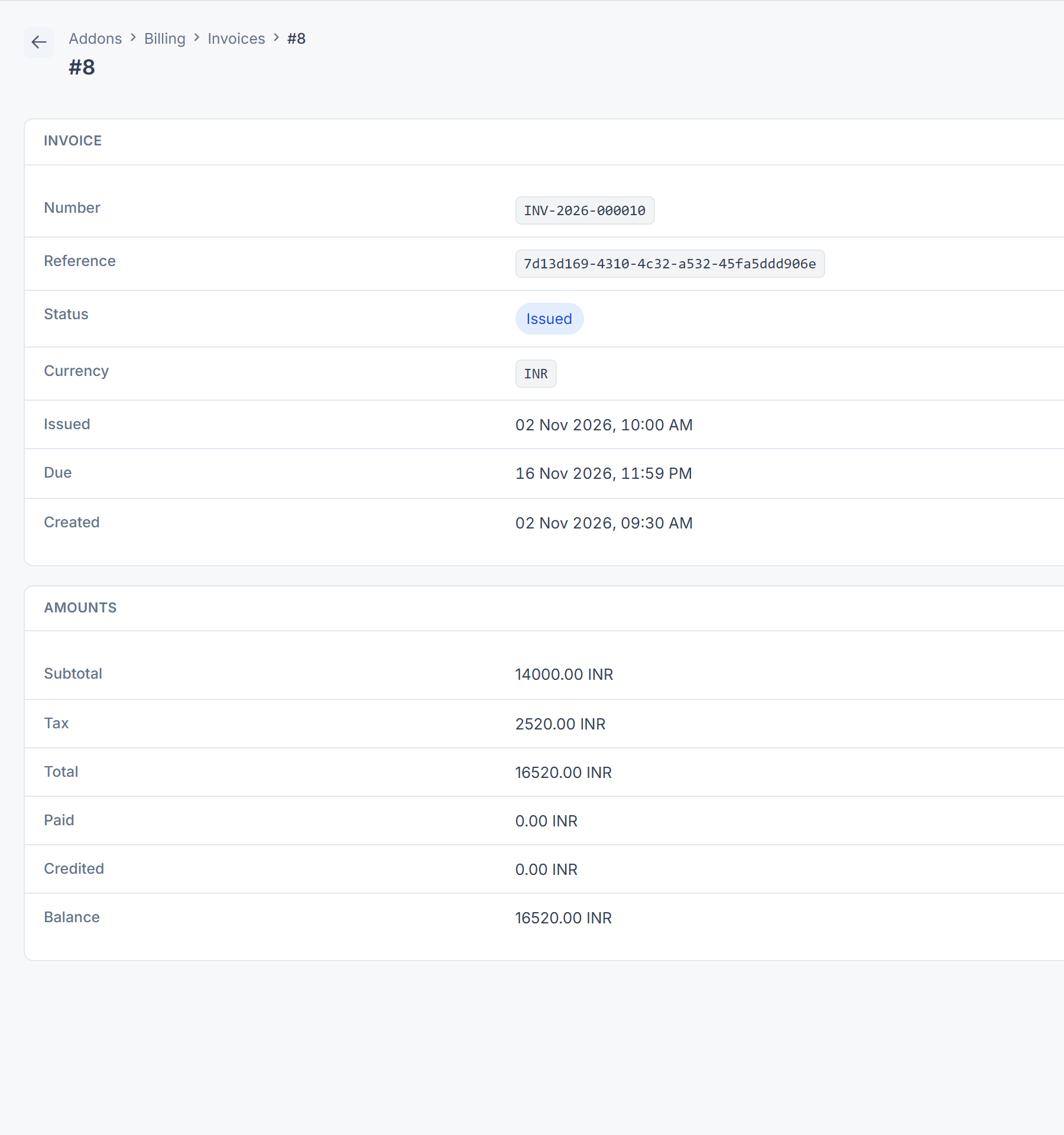
The customer paid, but the invoice still shows a Balance.
-
A Captured payment has no Refund action.
-
You refunded a payment, but Refunded didn't change.
-
Addon Management shows Billing as Unhealthy. See Add-on statuses and actions.
Start on the payment's page. Failure reason and Needs attention in the Provider panel often name the cause, and Provider reference is the id to look up in your provider's dashboard.
How a payment reaches the invoice
A payment passes through several hands before an invoice shows it as paid. Each hand-off can stop it without an error on screen, so find the last one that worked:
| Step | What happens | Where it can stop | See |
|---|---|---|---|
| 1. The invoice is issued | A payment is applied only to an issued invoice. A renewal from Monetization starts as a Draft invoice, which someone must issue. | The invoice is still a Draft. | Step 3 |
| 2. The payer pays through a gateway | No add-on in this release gives payers a page where they can pay an invoice. A gateway payment needs your own integration to start it. | Nothing starts the payment. | |
| 3. The provider tells Billing | The provider sends a notification to the gateway's callback address. Billing acts on it only when its signature matches the gateway's webhook secret. It answers every notification as received, even one it ignores, so the provider's dashboard can show deliveries as successful. | Wrong address, wrong secret, or no secret. | Step 1 |
| 4. Billing processes the notification | Billing moves the payment on in the background. | Background jobs aren't running, so the payment stays Pending. | Step 1 |
| 5. The 15-minute check | When no notification arrives, a scheduled task asks the provider about waiting payments every 15 minutes. Another, every hour, closes payments whose Expires at has passed. | Scheduled jobs aren't running. | Step 1 |
| 6. The payment is applied to the invoice | Also in the background, with up to three tries. | The invoice is a Draft or Void, the currencies differ, or background jobs aren't running. | Step 3 |
| 7. A renewal completes | When an invoice raised by a Monetization renewal is paid in full, the renewal becomes Succeeded. A check every 15 minutes catches any it missed. | Scheduled jobs aren't running. | A subscription didn't start or renew |
Check these, in order
1. It stays Initiated or Pending
Billing learns what happened from the gateway's notification. If that never arrives, a task asks the provider every 15 minutes.
- Are background and scheduled jobs running? A notification that reached Billing is processed in the background, and the 15-minute check and the expiry are scheduled tasks. If they don't run, the payment stays where it is, even after the customer paid. The cause isn't always a missing cron job. See Scheduled jobs don't run.
- Is the gateway sending notifications? If you have more than one merchant account for a provider, it must send to the account's own callback address, shown on the account's screen in Payment Gateway. The health check says so when notifications arrive at the old shared address.
- Does the webhook secret match? Billing keeps, but ignores, a notification whose signature doesn't match the gateway's webhook secret, or that arrives while no secret is saved. The provider still sees it as delivered. Set the same secret on the provider's webhook and on the gateway. For Razorpay, see Razorpay payments stay pending.
- Look it up in the provider's dashboard by its Provider reference. If the customer never finished, the payment becomes Expired once Expires at passes.
After 24 hours still pending, the health check reports it.
2. It shows Needs attention
Billing can't move the payment on by itself. Read Needs attention:
| Needs attention says | Fix |
|---|---|
| The addon that provides this gateway is not installed, so this payment cannot be advanced. | Install the gateway's provider add-on again, such as Razorpay, and check the payment in the provider's dashboard. [Confirm: the 15-minute check skips payments that need attention, and Billing 2.0.0 has no button to check one again, so raise a ticket to have it moved on.] |
| The provider reported a different amount than was requested. This payment needs attention. | Compare the amount in the provider's dashboard. Raise a ticket; don't refund or re-charge until it's clear. |
The health check also reports provider references shared by two payments. Billing won't apply the provider's notifications to either, because choosing one could move the wrong money. Raise a ticket with both payments' Reference.
3. The customer paid, but the invoice still shows a balance
- Is the payment Captured? Only a Captured payment counts. Authorized money is held, not taken.
- Was the invoice issued? A payment for an invoice that's still a Draft isn't applied. Neither is one for an invoice that's Void, or in a different currency from the payment. A warning is written to the server log. See Issue an invoice.
- Wait a minute. Billing applies the payment in the background and tries up to three times. If it still fails, the reason is in the server log. If nothing happens at all, background jobs may not be running. See Scheduled jobs don't run.
4. There's no Refund action
| Cause | Fix |
|---|---|
| The status isn't Captured or Partially refunded. | Nothing to refund yet, or already refunded. A Verified offline payment has no Refund action either; return that money outside Laramin. |
You don't have feature.. | Ask an administrator. See See why someone can do something. |
| You're in All Workspaces. | Switch to the payment's business. See Switch workspace. |
| The gateway's provider add-on isn't installed, or it can't do refunds. | Install it again, or refund from the provider's dashboard. |
5. The refund didn't go through
Open the payment again. If Refunded didn't change, nothing was refunded.
- This payment is not in a refundable state. Someone else refunded it, or its status changed. Reload the page.
- The refund is more than the remaining refundable balance. It was already refunded, at least in part.
- No message, but Refunded didn't change: the provider refused the refund. Check the provider's dashboard for the reason, and try again or refund from there. [Confirm: Billing 2.0.0 shows 1 processed even when the provider refuses.]
A refund from the provider's dashboard isn't recorded in Billing. Note it on your side, and ask for a credit note on the invoice. See Correct, credit or void an invoice.
Still not working?
Raise a ticket from Support Center in your Laramin app. Include this page's link, the payment's Reference, Gateway, Status and Provider reference, and what Needs attention or Failure reason says. Don't include card numbers, UPI IDs, bank account numbers or API keys.
Thanks. That helps us decide what to write next.
Thanks for telling us what was missing.
You already answered for this article today. Thanks.
We got a lot of answers from your network just now. Try again in a few minutes.
We couldn't send that. Check your connection and try again.
Links in this article
Printed from help.laramin.in. The online article may have changed since.