A password reset email doesn't arrive
The sign-in page said Check your inbox, or an administrator sent a reset link, but no email came. Work through why, and how to get the person in meanwhile.
- Applies to
- Core 12.7 and later
- Who can do this
- Team member, Administrator, Platform owner
On this page
Symptom
After Forgot your password?, the sign-in page says Check your inbox and "If an account exists for … we have sent a reset link. It expires in 60 minutes." Then no email arrives.
The page says this whether or not the address has an account, and whether or not the email could be sent. That's on purpose, so nobody can use the page to find out which addresses are real. An administrator who selects Reset password on the Users list sees "Password reset link has been sent to …" in the same way.
You may also see:
-
Please wait before retrying. when you ask for another link within a minute. Wait, then try again.
-
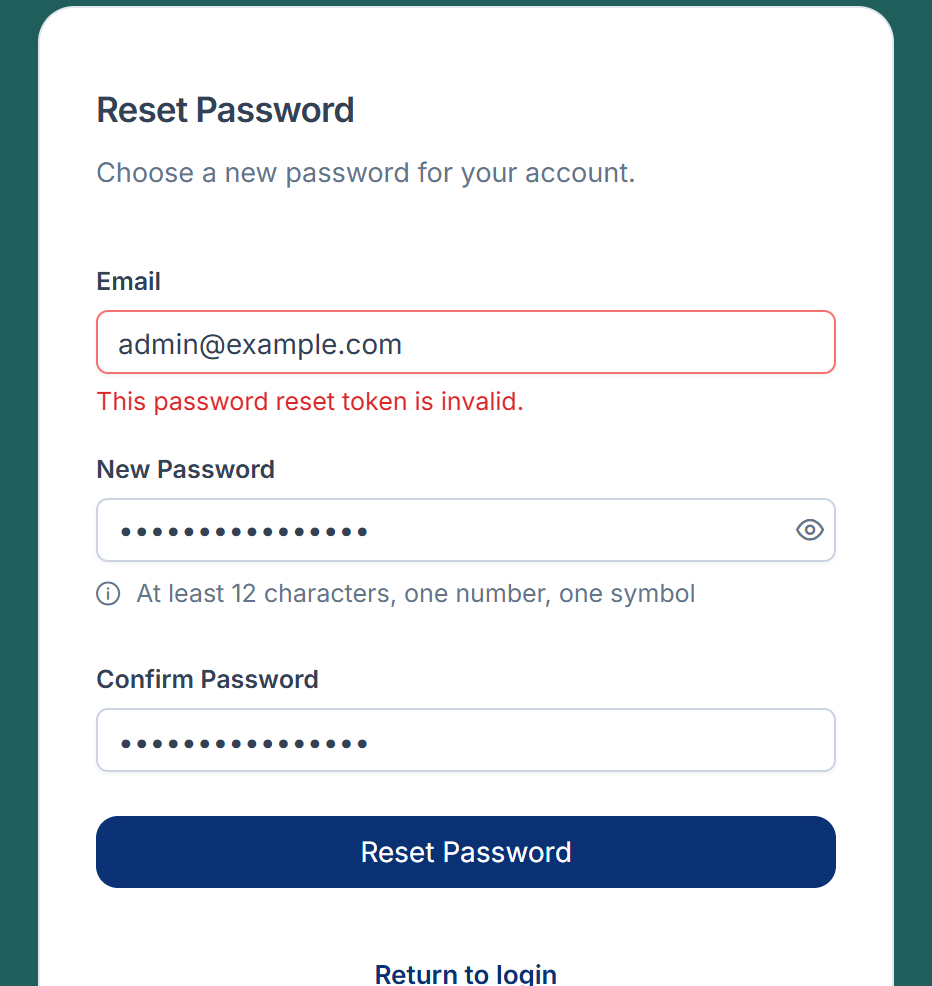
This password reset token is invalid. when you open a link that's too old or was replaced by a newer one.
Check these, in order
1. The address isn't the one on the account
Fix: an administrator looks the person up in Users Accounts › Users and checks their email address. Then ask for a new link with that exact address.
2. The email is in spam
Fix: check the spam or junk folder, and any quarantine your organization uses. The email may take a few minutes.
3. The link expired or was replaced
A link works for 60 minutes. Asking for a new link stops the earlier ones from working.
Fix: ask for one new link, and use only the newest email.
4. Your Laramin can't send email
If nobody gets reset emails, the problem is how your Laramin sends email, not the account. A platform owner checks:
- With Notification Manager: its email provider may still point at the placeholder mail server it installs with, or, on a Laramin installed with Core 12.8.1 or earlier, its saved details can't be read. The reset email's row in Notification Manager › Logs shows Failed with a connection error.
- Notification Manager decided not to send: the password reset event, or its email template, is off or not approved. See A notification wasn't sent or didn't arrive.
- Without Notification Manager: Laramin's own mailer sends the reset, using the
MAIL_values in the server's settings file. On Core 12.8.1 or earlier, it ignored the mail server's address there. - Queued work isn't running: when Connection in Developer Tools › Developer Settings › Queue Settings is Database or Redis, the email waits until the queue is worked through.
Fix: see Emails from Laramin don't arrive, which covers each of these.
Get the person in meanwhile
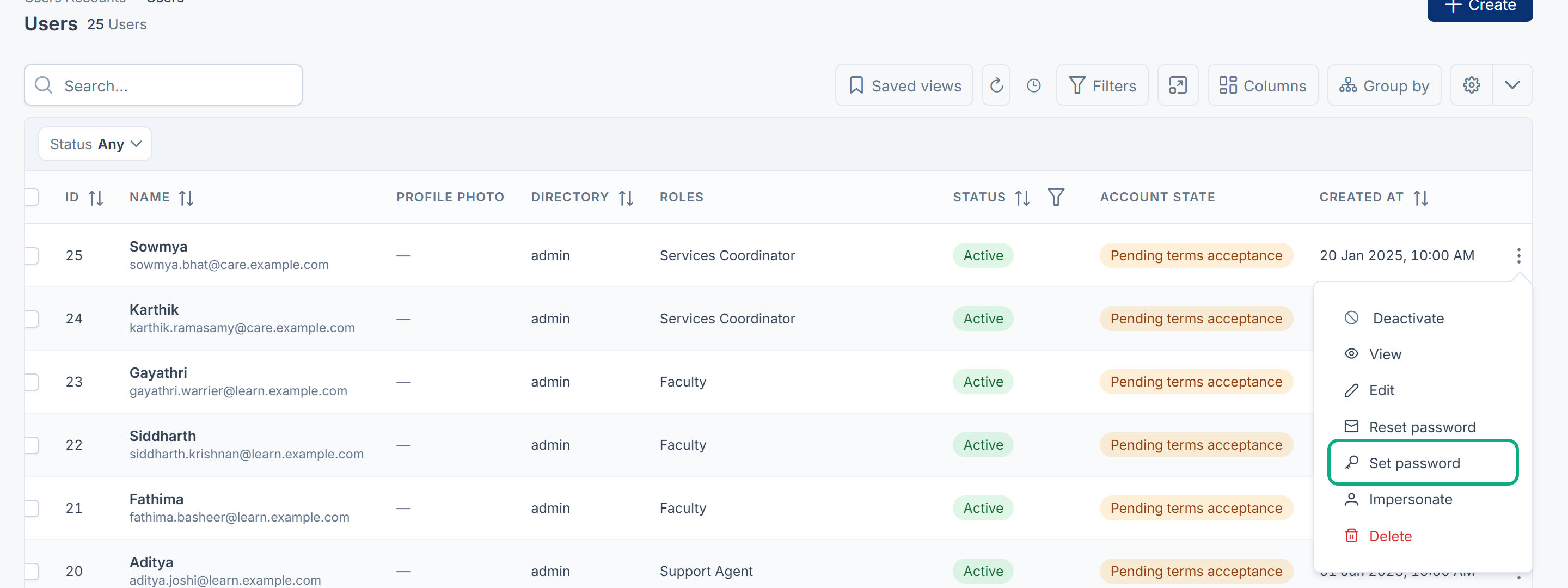
An administrator with Set User Password (admin-typed) (user.) can select Set password on the person's row and type a temporary password. The person must choose their own password when they sign in. Without Notification Manager, the temporary password isn't emailed, so give it to the person yourself, in a safe way. See Reset or set a user's password.
Still not working?
Raise a ticket from Support Center in your Laramin app. Include this page's link, the time you asked for the link, and what you checked. Don't include the link itself.
Thanks. That helps us decide what to write next.
Thanks for telling us what was missing.
You already answered for this article today. Thanks.
We got a lot of answers from your network just now. Try again in a few minutes.
We couldn't send that. Check your connection and try again.
Links in this article
Printed from help.laramin.in. The online article may have changed since.